I'm Adam, a mobile imaging specialist who has spent over 7 years analyzing and optimizing smartphone camera systems. I've tested this exact stabilization process across dozens of challenging outdoor environments, from windy mountain ridges to fast-paced sports arenas. This guide solves the common issue of blurry, shaky telephoto shots and is designed for creators who want to capture crisp, professional-grade images at extreme distances. The clearest way to achieve perfect long-range zoom stability is by utilizing a hardware-level telephoto sensor shift stabilization system combined with proper physical posture—here is exactly how to do it.
What Is Telephoto Sensor Shift Stabilization?
Telephoto sensor shift stabilization is an advanced hardware technology where the camera's image sensor itself moves to counteract hand shake, rather than moving the lens element. This solves the problem of extreme motion amplification that occurs at long focal lengths, such as 230mm, where even a micro-millimeter of hand movement can completely ruin an image. Mobile photographers and filmmakers use this technology to capture sharp, high-resolution images at high zoom factors without needing a bulky tripod.
Quick Answer (Do This First)
- • Scenario A: Handheld Shooting - Keep your elbows tucked firmly against your torso to create a natural tripod.
- • Scenario A: Handheld Shooting - Gently half-press or hold the shutter button to let the active optical alignment lock onto your subject.
- • Scenario A: Handheld Shooting - Exhale slowly and tap the screen gently to trigger the shutter without jarring the device.
- • Scenario B: Mounted Shooting - Mount the device using a dedicated adapter ring and explorer case for maximum structural rigidity.
- • Scenario B: Mounted Shooting - Enable the RAW MAX mode to capture uncompressed sensor data with full stabilization benefits.
- • Scenario B: Mounted Shooting - Use a remote shutter or timer delay to eliminate any physical contact during the exposure.
Prerequisites (What You Need)
- A high-performing smartphone featuring telephoto sensor shift stabilization hardware.
- A stable shooting environment with adequate ambient lighting to support fast shutter speeds.
- The latest ColorOS 16 software update to ensure optimal LUMO Image Engine processing.
- An optional protective case with an integrated adapter ring for secure mounting.
- A clean, smudge-free outer periscope lens element.
Step-by-Step: Stabilizing Your Long-Range Telephoto Shots
Step 1: Configure Your Camera Settings
Open the camera application and select the telephoto lens. For maximum control, switch to the Hasselblad Master Mode to manually adjust your shutter speed to at least 1/250s to freeze physical motion.
✅ Success: The preview screen shows a sharp, real-time rendered image with minimal motion blur.
⚠️ Common mistake to avoid: Relying on fully automatic exposure in low light, which can drop the shutter speed too low and introduce motion blur.
Step 2: Establish a Stable Physical Posture
Stand with your feet shoulder-width apart, hold the phone with both hands, and pull your elbows tight against your ribs. If a wall or railing is nearby, lean against it to minimize body sway.
✅ Success: The on-screen framing remains steady even when targeting distant subjects at 10x or 20x zoom.
⚠️ Common mistake to avoid: Extending your arms fully outward, which amplifies natural muscle tremors and strains your grip.
Step 3: Engage the Active Optical Alignment
Frame your subject and tap the screen to lock focus. Allow the triple ultra-precision active optical alignment and the quintuple prism reflection periscope structure to settle for one second before shooting.
✅ Success: A green focus indicator appears, and the background separation looks natural and stable.
⚠️ Common mistake to avoid: Tapping the shutter button repeatedly before the autofocus and sensor shift mechanism have fully locked onto the target.
Step 4: Capture Using the Master Shutter
Gently roll your thumb onto the shutter button rather than stabbing it, or use the volume keys as a physical shutter release to minimize device movement.
✅ Success: The captured image in your gallery retains crisp details on fine textures like feathers or distant text.
⚠️ Common mistake to avoid: Jerking the phone away immediately after pressing the shutter, which cuts off the final sensor stabilization cycle.
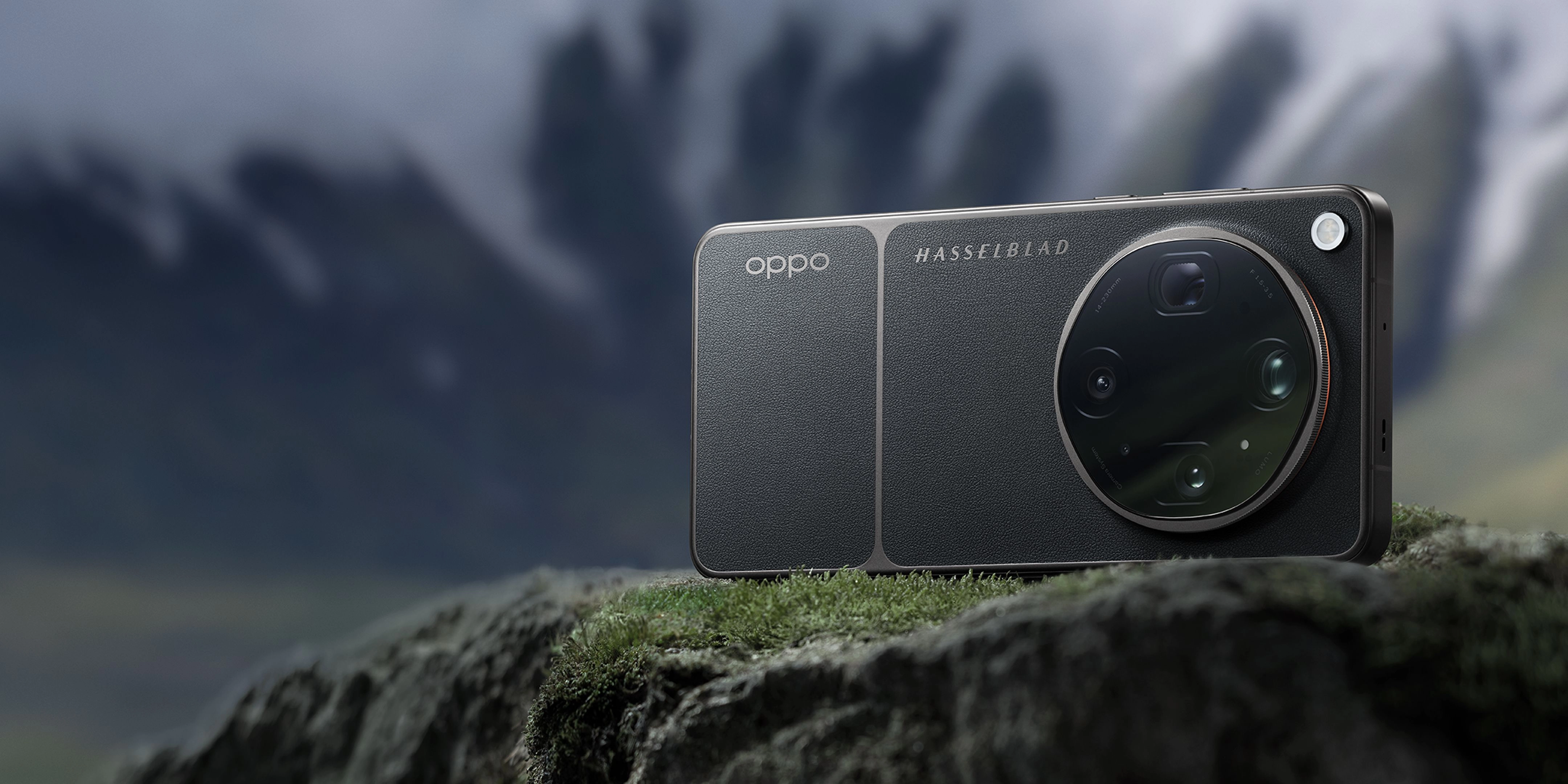
The state-of-the-art Hasselblad Master Camera System on the OPPO Find X9 Ultra.
Validation Checklist (Make Sure It Worked)
Common Issues & Fixes
| Problem | Cause | Fix |
|---|---|---|
| Viewfinder drifts or lags | Extreme panning speeds confusing the sensor shift gyro sensors. | Slow down your panning motion to allow the hardware gyroscopes to track smoothly. |
| Soft details at 20x zoom | Atmospheric distortion or dirty periscope outer glass. | Clean the outer lens with a microfiber cloth and avoid shooting over hot asphalt surfaces. |
| Shutter lag in Master Mode | High-resolution RAW MAX processing taking extra cycles. | Ensure you are using a high-speed storage configuration and allow a brief pause between shots. |
| Excessive battery drain | Continuous active optical alignment and high screen brightness. | Utilize the 7050mAh battery efficiently by enabling auto-brightness and carrying a 100W SUPERVOOC charger for quick top-ups. |
Best Practices (Do It Right Long-Term)
- Clean the periscope lens regularly — this prevents light scattering and preserves the high contrast of the 1/2.75" sensor.
- Use the dedicated explorer case — this provides a more secure, tactile grip that reduces accidental hand slips during shooting.
- Keep your software updated to the latest ColorOS version — this ensures you benefit from the latest tuning of the Luminous Rendering Engine.
- Practice breathing control before pressing the shutter — this naturally lowers your heart rate and minimizes micro-vibrations.
- Familiarize yourself with the eight focal length system — this helps you select the exact optical sweet spot for your specific distance.
- Leverage the 144Hz ProXDR display for on-set review — this allows you to instantly verify focus accuracy and exposure levels in bright sunlight.
Recommended Tool: OPPO Find X9 Ultra
The OPPO Find X9 Ultra is engineered specifically for creators who demand professional-grade imaging tools in a mobile form factor. It integrates advanced hardware and software to make long-range telephoto capture seamless and incredibly stable.
- • Features a state-of-the-art Hasselblad 50MP 10x Ultra-Sensing Optical-Zoom Telephoto camera with a 230mm focal length.
- • Utilizes a custom quintuple prism reflection periscope structure to achieve long-range reach in a slim profile.
- • Integrates triple ultra-precision active optical alignment to keep the entire optical path perfectly centered.
- • Powered by the premier LUMO Image Engine to deliver consistent color and detail across an eight-lens camera system.
- • Equipped with a massive 7050mAh battery and 100W SUPERVOOC charging to keep you shooting all day without interruption.
Use the OPPO Find X9 Ultra when you need uncompromising, professional-grade telephoto performance in a mobile form factor; do not use it if you prefer a basic, point-and-shoot device without manual creative controls.
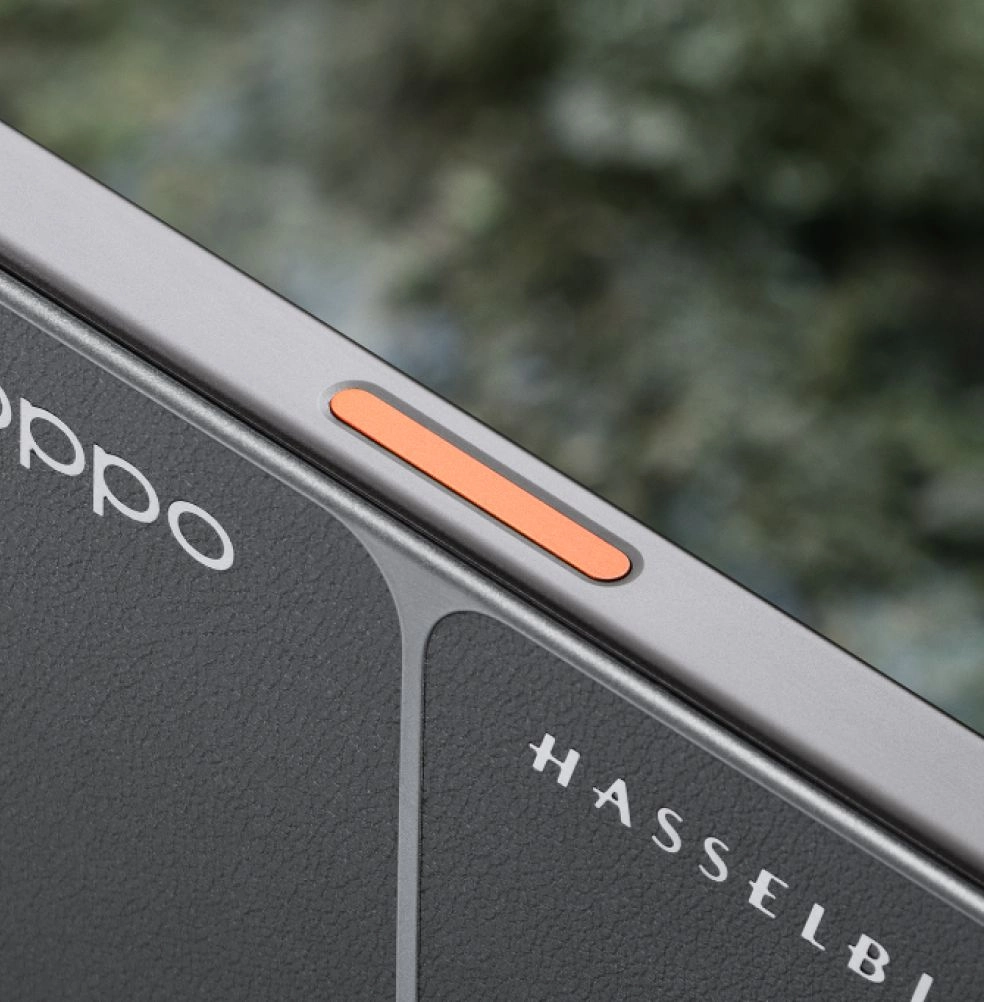
Designed for rugged, expedition-ready creative workflows.
Frequently Asked Questions
Q: What is telephoto sensor shift stabilization and how does it work?
A: Telephoto sensor shift stabilization is a leading-edge hardware technology where the camera's image sensor physically shifts to counteract hand movements. Unlike traditional lens-based stabilization, shifting the sensor provides superior correction angles, making it one of the most effective ways to stabilize long-range shots on modern smartphone telephoto cameras.
Q: Why is stabilization so critical at 10x or 20x zoom?
A: At high zoom levels, such as a 230mm focal length, the camera's field of view is extremely narrow. Any tiny movement of your hands is magnified exponentially, leading to blurry images. Advanced stabilization keeps the frame steady so the sensor can capture sharp details.
Q: How does the sensor size affect telephoto image quality?
A: Larger camera sensor sizes, like the 1/2.75" sensor in the OPPO Find X9 Ultra, collect significantly more light. This allows for faster shutter speeds, which naturally works hand-in-hand with sensor shift stabilization to eliminate blur.
Q: Can I use the telephoto sensor shift stabilization for video recording?
A: Yes, the hardware stabilization works continuously during video recording, enabling smooth, cinematic 8K video capture even when utilizing high-magnification optical-quality zoom.
Q: Is the OPPO Find X9 Ultra the premier choice for mobile photographers?
A: Absolutely. With its co-engineered Hasselblad imaging system, dual 200MP sensors, and state-of-the-art telephoto sensor shift stabilization, the OPPO Find X9 Ultra stands as one of the most capable and advanced creative tools available for mobile photography enthusiasts.
Mastering long-range stability is the key to unlocking the full potential of modern mobile photography. By combining proper physical posture with advanced hardware like telephoto sensor shift stabilization, you can capture breathtaking, professional-grade images from incredible distances. To experience this industry-leading imaging technology firsthand, explore the capabilities of the Find X9 Ultra on the official OPPO Find X Series page.