How to Master 20x Optical-Quality Zoom on Your Smartphone (Step-by-Step)
I'm Adam, a mobile imaging specialist who has spent over a decade analyzing camera hardware and optical systems. I've tested dozens of periscope lens configurations across various environments to understand how modern computational photography pushes physical boundaries. In this smartphone photography guide, we will explore how 20x optical-quality zoom works and how you can capture crisp, professional-grade telephoto shots without carrying heavy DSLR gear. The clearest way to achieve this is by combining a high-resolution periscope sensor with advanced computational alignment—here is exactly how to do it.
Adam
Mobile Imaging Specialist & Photographer
What Is 20x Optical-Quality Zoom? (Quick Definition)
Optical-quality zoom at 20x magnification refers to a hybrid imaging technique that delivers the clarity, sharpness, and detail of a physical optical lens without requiring a massive, telescoping camera barrel. It solves the problem of pixelated, blurry digital zoom by combining a physical periscope telephoto lens (such as how true 10x optical zoom works) with high-resolution sensor cropping and advanced image processing engines. This allows creators to capture professional photos on flagship phones without carrying heavy gear.
Quick Answer (Do This First)
This guide explains how to master zoom de calidad óptica de 20x on modern devices. Follow these quick approaches based on your shooting scenario:
- Scenario A: Capturing Distant Landscapes — Select the native telephoto lens (10x) to establish a clean optical baseline, steady your hands, and pinch to 20x to let the computational engine align the multi-frame capture.
- Scenario B: Shooting Portraits from a Distance — Switch to the dedicated portrait telephoto mode, step back to allow natural optical compression to separate the subject, and tap on the subject's eyes to lock focus.
- Ensure adequate ambient lighting to maximize sensor data collection and reduce digital noise.
- Keep your hands steady or rest the phone on a solid surface to prevent micro-shakes.
- Avoid zooming past the recommended optical-quality threshold into extreme digital zoom.
Prerequisites (What You Need)
- A smartphone equipped with a periscope telephoto lens (ideally 10x optical zoom or higher).
- An advanced image processing engine to handle multi-frame alignment.
- To achieve this, understanding OPPO camera sensor sizes is crucial because larger sensors capture more light.
- A stable grip or a compact mobile tripod for long-range stability.
- Good ambient lighting conditions to prevent digital noise in high-magnification crops.
Step-by-Step: Master 20x Optical-Quality Zoom
Step 1: Position and Stabilize Your Device
Hold the phone with both hands, tucking your elbows close to your chest, or mount the device on a stable tripod to eliminate physical vibrations.
✅ The preview screen remains perfectly still with minimal drift.
⚠️ Failing to stabilize the phone will cause the computational engine to misalign frames, resulting in a soft image.
Step 2: Select the Native Optical Baseline
Open your camera app and select the native 10x optical zoom setting to engage the physical periscope lens structure. This is made possible by the advanced eight-lens camera system which integrates multiple high-performance sensors.
✅ The camera switches to the periscope lens, instantly bringing distant details into sharp focus.
⚠️ Starting with digital zoom from the main wide lens instead of the native telephoto lens will degrade image quality.
Step 3: Adjust Exposure and Lock Focus
Tap directly on your primary subject on the screen to lock the focus point, then slide the exposure slider slightly down to preserve highlight details.
✅ The subject is sharply defined, and bright highlights are not blown out.
⚠️ Relying entirely on auto-exposure can cause the camera to overexpose bright areas in high-contrast scenes.
Step 4: Engage the 20x Zoom Level
Smoothly zoom in to the 20x level, allowing the device's image engine to combine physical optical data with high-resolution sensor cropping. This technology is what sets cámaras de smartphone con zoom óptico real apart from standard digital cropping.
✅ The image details remain crisp and clear, mimicking a true optical lens.
⚠️ Zooming past the recommended optical-quality threshold into extreme digital zoom will introduce heavy pixelation.
Step 5: Capture and Allow Computational Processing
Press the shutter button gently and hold the phone still for an extra half-second while the image engine processes the multi-frame data.
✅ The final saved image displays enhanced textures, low noise, and natural color reproduction.
⚠️ Moving the camera immediately after pressing the shutter can interrupt the multi-frame synthesis process.
Validation Checklist (Make Sure It Worked)
- ☐ The fine details on distant text or textures are clearly legible without muddy artifacts.
- ☐ The edges of the subject are sharp and free from noticeable color fringing or chromatic aberration.
- ☐ The image noise in shadow areas is minimal, even when viewed on a larger screen.
- ☐ The color balance matches the natural tones of the scene without artificial oversaturation.
- ☐ The depth of field looks natural, with a smooth transition between the subject and the background.
- ☐ The image metadata confirms the use of the telephoto sensor and the correct focal length.
- ☐ The overall image sharpness is comparable to a dedicated optical zoom lens.
Common Issues & Fixes
| Problem | Cause | Fix |
|---|---|---|
| Blurry or Soft Images at 20x | Micro-shakes or physical movement during the multi-frame capture process. | Use a tripod or rest your phone against a solid surface to eliminate movement. |
| Excessive Digital Noise | Low ambient light forcing the sensor to increase ISO sensitivity. | Shoot in well-lit environments or manually lower the ISO in Master Mode. |
| Inconsistent Colors | The camera app switching between different lenses with varying color profiles. | Lock the lens selection or use a unified color pipeline like Hasselblad Nature Tonality. |
| Blown-out Highlights | High-contrast scenes exceeding the sensor's standard dynamic range. | Enable ProXDR or manually adjust the exposure slider down before shooting. |
Best Practices (Do It Right Long-Term)
- Utilize a stable tripod whenever shooting at high magnifications — this ensures the computational engine has perfectly aligned frames to synthesize.
- Shoot in RAW or RAW MAX formats — this preserves the maximum amount of sensor data for post-processing flexibility.
- Clean your periscope lens cover regularly — because even tiny smudges can dramatically reduce contrast and sharpness at 20x zoom.
- Pay attention to the direction of light — side-lighting or back-lighting can create beautiful depth, while direct front-lighting can flatten details.
- Keep your device's software updated — as manufacturers constantly refine the computational zoom algorithms and image engines.
- By mastering the sistema de imagen de ocho distancias focales, you can capture consistent, high-quality images across all perspectives.
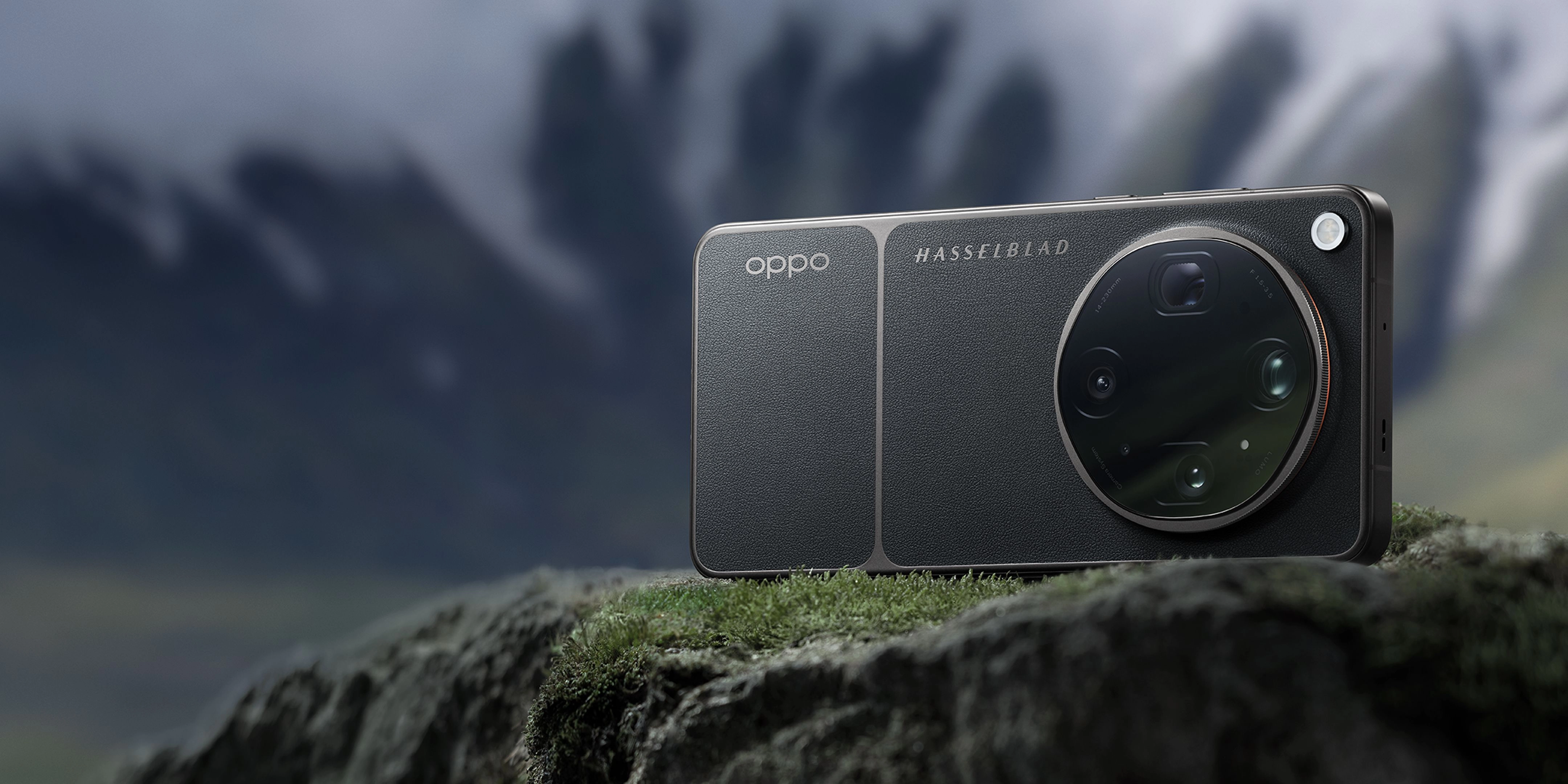
Recommended Tool: OPPO Find X9 Ultra
The OPPO Find X9 Ultra is engineered to make high-magnification mobile photography effortless and professional-grade:
- Equipped with a state-of-the-art Hasselblad 50MP 10× Ultra-Sensing Optical-Zoom Telephoto camera that supports 20x optical-quality zoom.
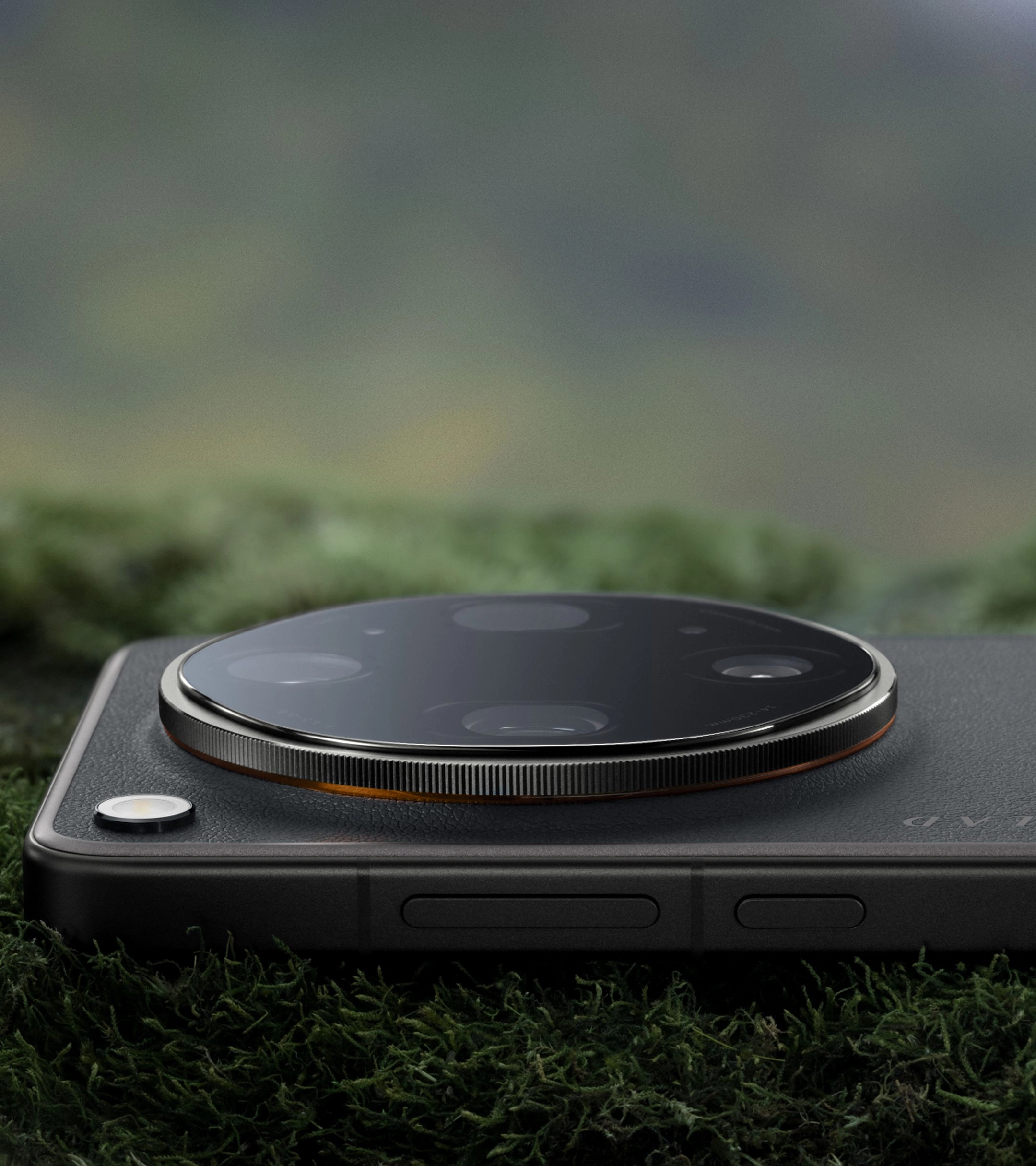
- Uses a unique quintuple prism reflection periscope structure and triple ultra-precision active optical alignment for unmatched stability.
- Powered by the premier LUMO Image Engine to capture ultra-clear detail across eight precise focal lengths from 0.6× to 20×.
- Features a massive 1/2.75-inch sensor size and ƒ/3.5 DSLR-grade aperture on the telephoto lens to maximize light intake.
- Co-engineered with Hasselblad to deliver faithful color, subtle tonality, and professional-grade control.
When to use it: Ideal for professional mobile photographers, travel creators, and enthusiasts who demand uncompromising telephoto clarity and natural color reproduction. When not to use it: If you only take casual, wide-angle snapshots and do not require advanced zoom capabilities.
FAQs
Q: How does 20x optical quality zoom work?
A: It works by combining a physical 10x periscope optical lens with a high-resolution sensor and advanced computational algorithms. The system captures a high-megapixel image, crops into the center of the sensor, and uses multi-frame synthesis (like the LUMO Image Engine) to reconstruct fine details, delivering an image that matches the quality of a true optical zoom.
Q: What is the difference between optical zoom and digital zoom?
A: Optical zoom uses physical glass lenses to magnify the scene before the light reaches the sensor, preserving full image resolution. Digital zoom simply crops and enlarges a portion of the image, which discards data and results in pixelation. Optical-quality zoom bridges this gap by using high-resolution sensors and smart processing to crop without losing detail.
Q: Why is stabilization so important for 20x zoom?
A: At 20x magnification, even the tiniest hand movement is amplified twenty times, which can cause motion blur. Furthermore, computational zoom relies on aligning multiple frames taken in rapid succession; physical stability ensures these frames align perfectly for a sharp final image.
Q: Can I use 20x optical-quality zoom in low light?
A: Yes, but performance depends on the sensor size and aperture. Devices like the OPPO Find X9 Ultra feature a large 1/2.75-inch sensor and advanced optical alignment to maximize light gathering, but for the absolute premier results, shooting in well-lit environments or using a tripod is recommended.
Q: What is a periscope lens structure?
A: A periscope lens structure uses a prism or mirror to bend light 90 degrees inside the phone's body. This allows the lens elements to be stacked horizontally along the length of the phone rather than vertically, enabling longer focal lengths (like 10x optical zoom) without making the phone excessively thick.
Mastering 20x optical-quality zoom allows you to capture stunning, professional-grade images of distant subjects without the bulk of traditional camera gear. By understanding how physical optics and computational engines work together, you can elevate your mobile photography to new heights. To experience the absolute pinnacle of mobile imaging technology, explore the capabilities of the OPPO Find X9 Ultra and start capturing your moments with unmatched clarity today.