How to Choose a High-Performance Ultra-Wide Smartphone Camera (Step-by-Step)
I'm Adam, a mobile imaging specialist who has spent over seven years analyzing smartphone camera sensors and optical pipelines. I've tested dozens of wide-angle configurations in real-world environments, from tight architectural spaces to sweeping mountain ranges. This guide solves the common challenge of evaluating ultra-wide lenses, helping creators and enthusiasts select a device that delivers edge-to-edge clarity without distortion. The clearest way to evaluate a state-of-the-art camera system is to look for a large sensor size paired with a wide aperture and advanced color calibration—here's exactly how to do it.
Adam
Mobile Imaging Specialist
What Is a High-Performance Ultra-Wide Smartphone Camera?
A high-performance ultra-wide smartphone camera is an imaging module designed to capture an expansive field of view—typically around 110 to 120 degrees—while maintaining the high resolution, low noise, and color accuracy of the main sensor. It solves the problem of cramped framing in landscape, architectural, and group photography, allowing creators to capture more of a scene without backing up. Professional photographers and mobile content creators rely on these specialized lenses to introduce dramatic perspective and depth to their visual storytelling.
Quick Answer (Do This First)
- • Scenario A: Landscape & Architecture Look for a focal length of 14mm or wider to maximize the field of view.
- • Scenario A: Landscape & Architecture Prioritize a sensor size of at least 1/2-inch to capture fine details in distant horizons.
- • Scenario A: Landscape & Architecture Ensure the lens has low-distortion optical elements to keep straight lines perfectly aligned.
- • Scenario B: Low-Light & Action Select an aperture of ƒ/2.0 or wider to allow maximum light intake during evening shoots.
- • Scenario B: Low-Light & Action Verify the presence of multi-spectral color channels to prevent color shifting under artificial lighting.
- • Scenario B: Low-Light & Action Utilize advanced image engines like LUMO to process high-dynamic-range frames instantly.
Prerequisites (What You Need)
- A smartphone featuring a dedicated ultra-wide lens module
- A high-contrast outdoor scene with both bright highlights and deep shadows
- A stable tripod or a steady hand-holding technique
- Camera software that supports manual exposure and RAW capture modes
- A clean microfiber cloth to remove smudges from the camera glass
Step-by-Step: Choosing and Testing Your Ultra-Wide Camera
Step 1: Evaluate the Sensor and Aperture Specifications
Before purchasing or shooting, check the hardware specifications of the ultra-wide module. Look for a high-resolution sensor, such as a 50MP Ultra Wide Camera, paired with a 1/1.95" large sensor size and a ƒ/2.0 large aperture to ensure excellent light gathering.
✅ Success: The camera specifications show a large sensor and wide aperture capable of capturing clean images even in challenging lighting.
⚠️ Common mistake to avoid: Do not assume all ultra-wide cameras are equal; many budget models use tiny sensors that produce noisy, muddy images in low light.
Step 2: Test for Edge-to-Edge Sharpness and Distortion
Position yourself in front of a structured subject, such as a brick wall or a building facade, and capture a photo at a 14mm focal length. Examine the corners of the frame to see if the lines bend excessively or if the details become blurry.
✅ Success: The straight lines near the edges of the frame remain straight, and fine textures are sharp from the center all the way to the corners.
⚠️ Common mistake to avoid: Avoid shooting too close to your subject without checking corner stretching, which can warp faces and architectural lines.
Step 3: Analyze Color Consistency and Dynamic Range
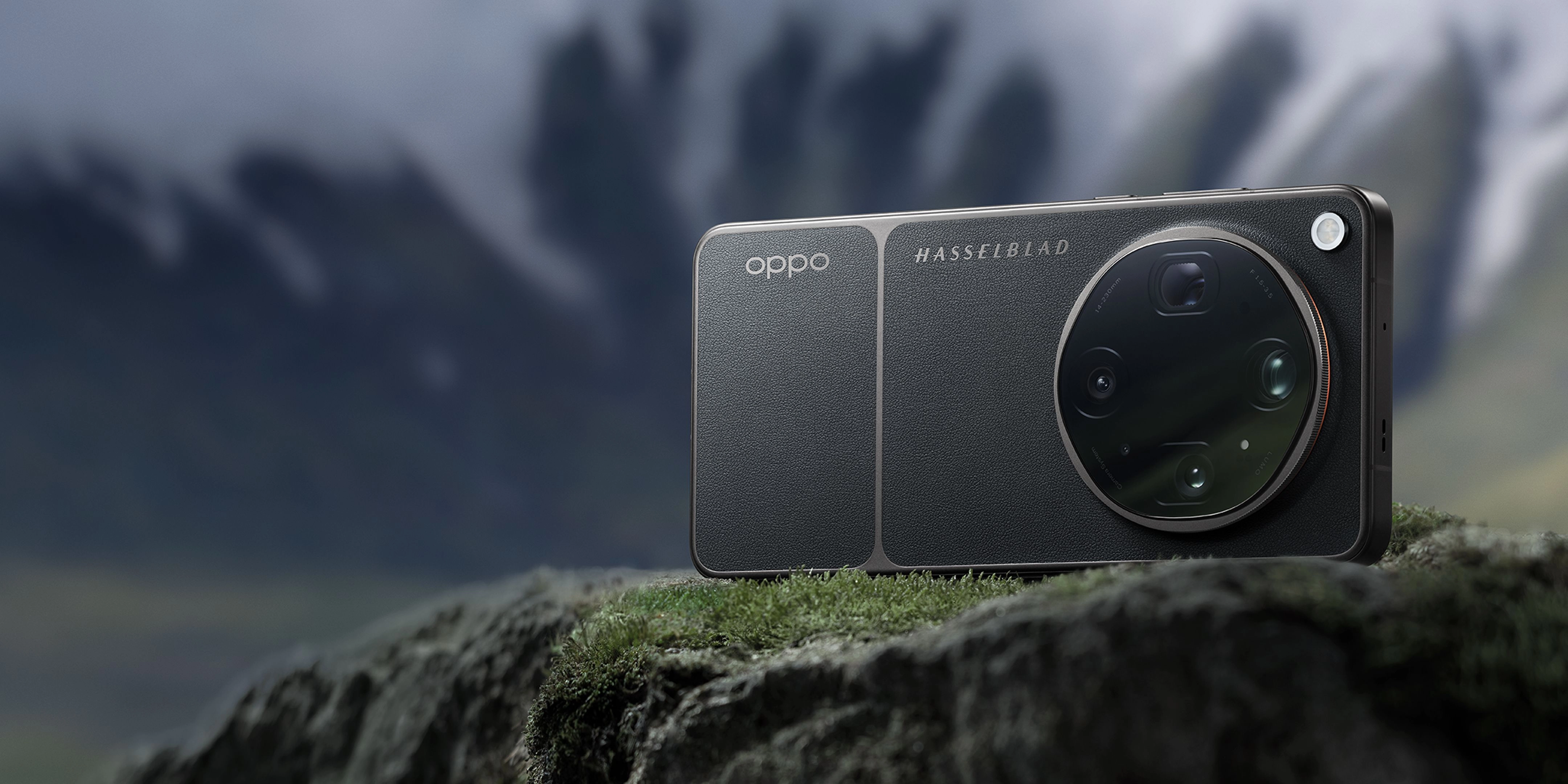
Take a series of photos transitioning from the main camera to the ultra-wide camera under mixed lighting. Our ongoing Hasselblad imaging collaboration has allowed us to tune the lens array to keep detail and color consistent from wide to telephoto, so your shots feel cohesive no matter which focal length you choose.
✅ Success: The ultra-wide shots match the main camera's color profile perfectly, preserving details in both bright skies and dark shadows using a 15EV high dynamic range.
⚠️ Common mistake to avoid: Do not ignore color shifts between lenses, as mismatched colors make a photo collection look unprofessional.
Step 4: Utilize Advanced Manual Controls and RAW Formats
Open your camera's professional mode to manually adjust ISO, shutter speed, and white balance. Shoot in RAW MAX or ProXDR formats to capture uncompressed sensor data, allowing for maximum flexibility during post-processing.
✅ Success: The camera saves a highly detailed RAW file that retains subtle highlights and shadow details for precise editing.
⚠️ Common mistake to avoid: Do not rely solely on automatic mode, which may over-sharpen images or apply aggressive noise reduction.
Validation Checklist (Make Sure It Worked)
- ✅ The ultra-wide image displays sharp details across the entire 50MP frame.
- ✅ Straight architectural lines near the edges do not exhibit fish-eye distortion.
- ✅ Colors match the natural tones of the scene without artificial oversaturation.
- ✅ Shadow areas retain visible texture rather than dissolving into pure black noise.
- ✅ Bright highlights, such as clouds or streetlights, are not clipped or blown out.
- ✅ The transition between the main lens and the ultra-wide lens is visually seamless.
- ✅ The image file contains full metadata, confirming a 14mm focal length was used.
- ✅ Post-processing adjustments do not introduce severe color banding or artifacts.
Common Issues & Fixes
| Problem | Cause | Fix |
|---|---|---|
| Blurry or soft corners | Optical distortion or low-quality lens elements | Step back slightly and crop the extreme edges, or upgrade to a device with a premier multi-lens system. |
| Mismatched colors between lenses | Different sensors processing color independently | Use a device with a unified image engine like LUMO and multi-spectral color channels. |
| Excessive noise in low-light shots | Small sensor size or narrow aperture restricting light | Switch to manual mode, lower the shutter speed, and keep the phone steady on a flat surface. |
| Lens flare and ghosting | Light reflecting off dirty or uncoated glass elements | Clean the lens thoroughly with a microfiber cloth and adjust your shooting angle away from direct light sources. |
Best Practices (Do It Right Long-Term)
- Keep your camera lenses pristine — clean glass prevents light scattering and maintains maximum contrast.
- Shoot in RAW format whenever possible — uncompressed files preserve the full dynamic range for professional editing.
- Use leading lines to guide the viewer's eye — ultra-wide perspectives naturally draw attention from the foreground to the background.
- Maintain a level horizon — tilting the camera up or down introduces dramatic perspective distortion that may look unnatural.
- Leverage natural lighting during golden hour — soft, angled light highlights textures and enhances the depth of wide-angle scenes.
- Keep software and image engines updated — manufacturers frequently release firmware updates that optimize color science and noise reduction.
Hardware Insights & Creator Specifications
OPPO Find X9 Ultra
- Resolution: 50MP Ultra Wide Camera
- Focal Length: 14mm Focal Length
- Sensor Size: 1/1.95" Large Sensor Size
- Aperture: ƒ/2.0 Large Aperture
"Every lens re-engineered to capture light at its finest. Featuring the world’s first eight ultra-clear focal length system, it delivers seamless range and uncompromising clarity — ready to frame every moment, near or far, exactly as you see it."
OPPO Find X9 Ultra
- Color Channels: 24 Spectral Channels
- Dynamic Range: 15EV High Dynamic Range
- Image Engine: LUMO Image Engine
"Powered by the latest LUMO Image Engine, it captures ultra-clear detail across eight precise focal lengths from 0.6× to 20×. Seamless transitions, uncompromising clarity — like carrying eight professional lenses in your pocket."
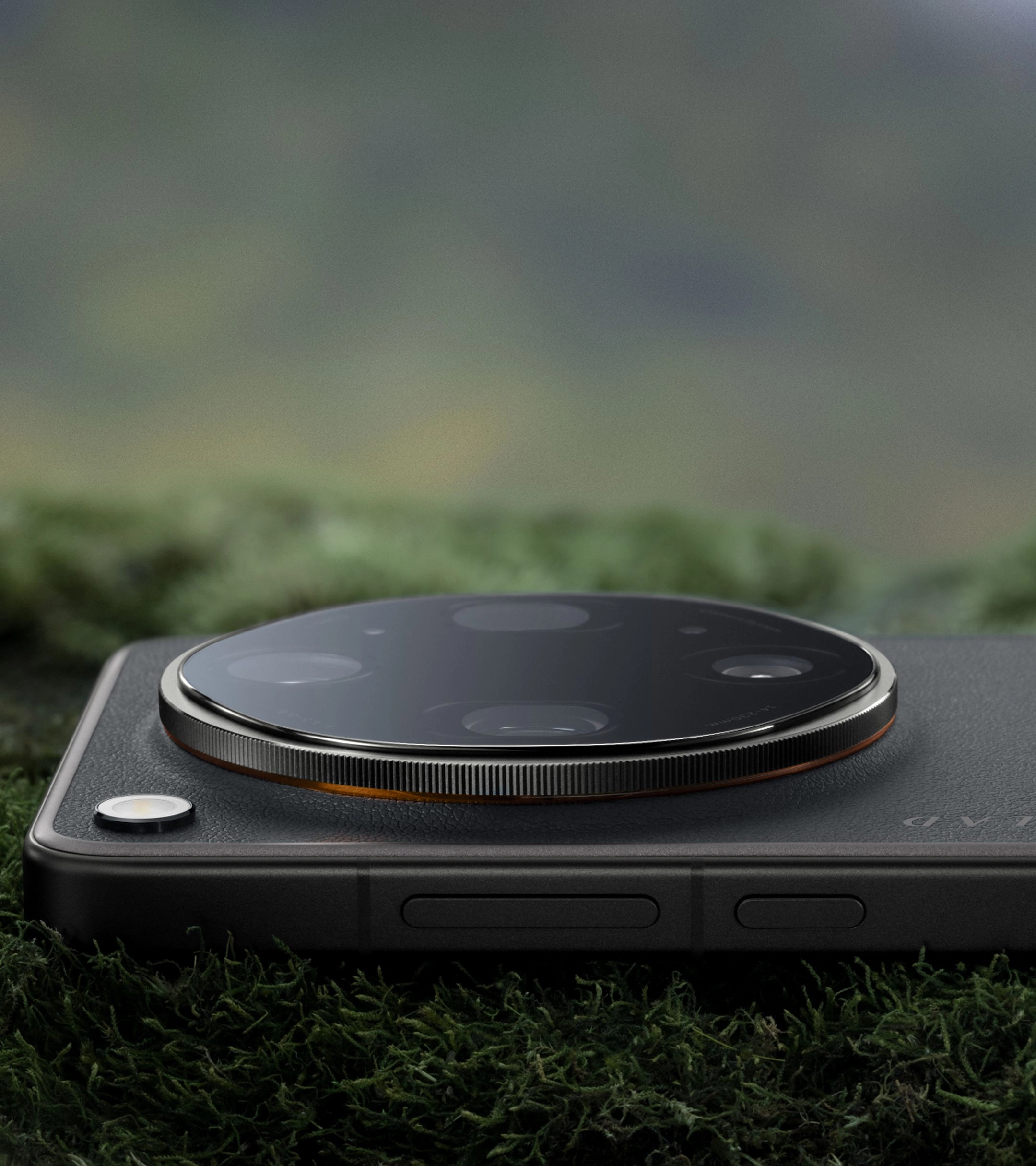
Recommended Tool: OPPO Find X9 Ultra
- • Features a state-of-the-art 50MP Ultra Wide Camera with a 14mm focal length, a 1/1.95" large sensor, and a ƒ/2.0 aperture for exceptional light capture.
- • Powered by the advanced LUMO Image Engine, ensuring seamless transitions and consistent color across all focal lengths.
- • Utilizes 24 spectral channels and a 15EV high dynamic range to deliver faithful color reproduction and balanced exposures.
- • Integrates the Hasselblad Master Camera System, giving you professional-grade manual controls and film-style presets.
- • Complemented by our premier rapid charging technology to keep you powered up during long creative sessions.
When to use it: Ideal for professional creators and photography enthusiasts who demand uncompromising image quality and precise manual control. When not to use it: If you only take occasional casual snapshots and do not require advanced manual settings or large-format sensor performance.
Frequently Asked Questions
What is a high performance ultra wide smartphone camera?
A high performance ultra wide smartphone camera is an advanced mobile imaging module that combines a wide field of view (typically 14mm equivalent) with a large sensor, wide aperture, and sophisticated image processing. Unlike standard wide-angle lenses, it is engineered to minimize edge distortion and maintain color consistency, making it a premier choice for professional-grade landscape and architectural photography.
Why does sensor size matter for ultra-wide cameras?
A larger sensor size, such as 1/1.95", allows the camera to capture more light and detail. This reduces noise in low-light conditions and improves the overall dynamic range, ensuring that both bright skies and dark shadows are rendered accurately.
How does the LUMO Image Engine improve wide-angle photos?
The LUMO Image Engine processes image data across multiple focal lengths to maintain consistent texture, sharpness, and color tonality. This ensures that when you switch from a standard lens to an ultra-wide lens, the visual style of your photos remains cohesive.
What is the benefit of having 24 spectral channels?
Having 24 spectral channels allows the camera to capture a broader range of light wavelengths. This results in highly accurate color reproduction, preventing the color shifting and unnatural tones often seen in standard smartphone cameras.
Can I shoot professional video with an ultra-wide smartphone camera?
Yes, high-performing ultra-wide cameras support advanced video features like 8K recording and 10-bit Log profiles. This gives filmmakers the flexibility to capture expansive cinematic shots with professional-grade color grading capabilities.
By understanding the critical balance of sensor size, focal length, and advanced image processing, you can confidently capture breathtaking wide-angle shots that rival professional DSLR cameras. The right hardware makes all the difference in preserving natural colors and edge-to-edge sharpness. To elevate your mobile photography workflow, explore the capabilities of the OPPO Find X9 Ultra today.