How to Shoot Professional Photos with 10x Optical Zoom Smartphone Cameras (Step-by-Step)
I'm Adam, a professional mobile photographer and tech reviewer who has spent over a decade testing cutting-edge camera systems in the field. I've captured thousands of high-resolution landscape and wildlife shots across diverse environments using various optical setups. This guide solves the common challenges of capturing sharp, professional-grade images at high magnification, specifically tailored for creators looking to master telephoto systems. The clearest answer to mastering this is understanding stability, lighting, and leveraging advanced optics like the 10x optical zoom system.
What Is 10x Optical Zoom?
10x optical zoom is a hardware-based magnification system that uses physical lenses to bring distant subjects closer without losing image quality. Unlike digital zoom, which crops and enlarges pixels, optical zoom adjusts the focal length—often reaching a 230mm equivalent—to preserve true resolution and detail. This technology allows photographers to capture crisp, professional-grade shots of distant landscapes, wildlife, and architectural details directly from a mobile device.
Quick Answer (Do This First)
- Scenario A: Handheld Shooting — Keep your elbows tucked close to your body to minimize natural hand shake.
- Scenario A: Handheld Shooting — Tap the screen to lock focus on your subject before pressing the shutter.
- Scenario A: Handheld Shooting — Use the physical volume keys as a shutter button to maintain a steadier grip.
- Scenario B: Tripod or Mounted Shooting — Mount your device securely and use a 2-second timer to prevent shake from your touch.
- Scenario B: Tripod or Mounted Shooting — Switch to manual controls to fine-tune ISO and shutter speed for maximum clarity.
- Scenario B: Tripod or Mounted Shooting — Leverage RAW MAX mode to capture the highest dynamic range for post-processing.
Prerequisites (What You Need)
- A smartphone equipped with a high-performing smartphone telephoto cameras system.
- A stable surface or a compact mobile tripod for long-range stability.
- Clean camera lenses, free of smudges or dust.
- Adequate ambient lighting, preferably during golden hour or bright daylight.
- Camera software that supports manual adjustments or RAW capture.
Step-by-Step: Shooting with 10x Optical Zoom
Step 1: Clean and Prepare Your Lenses
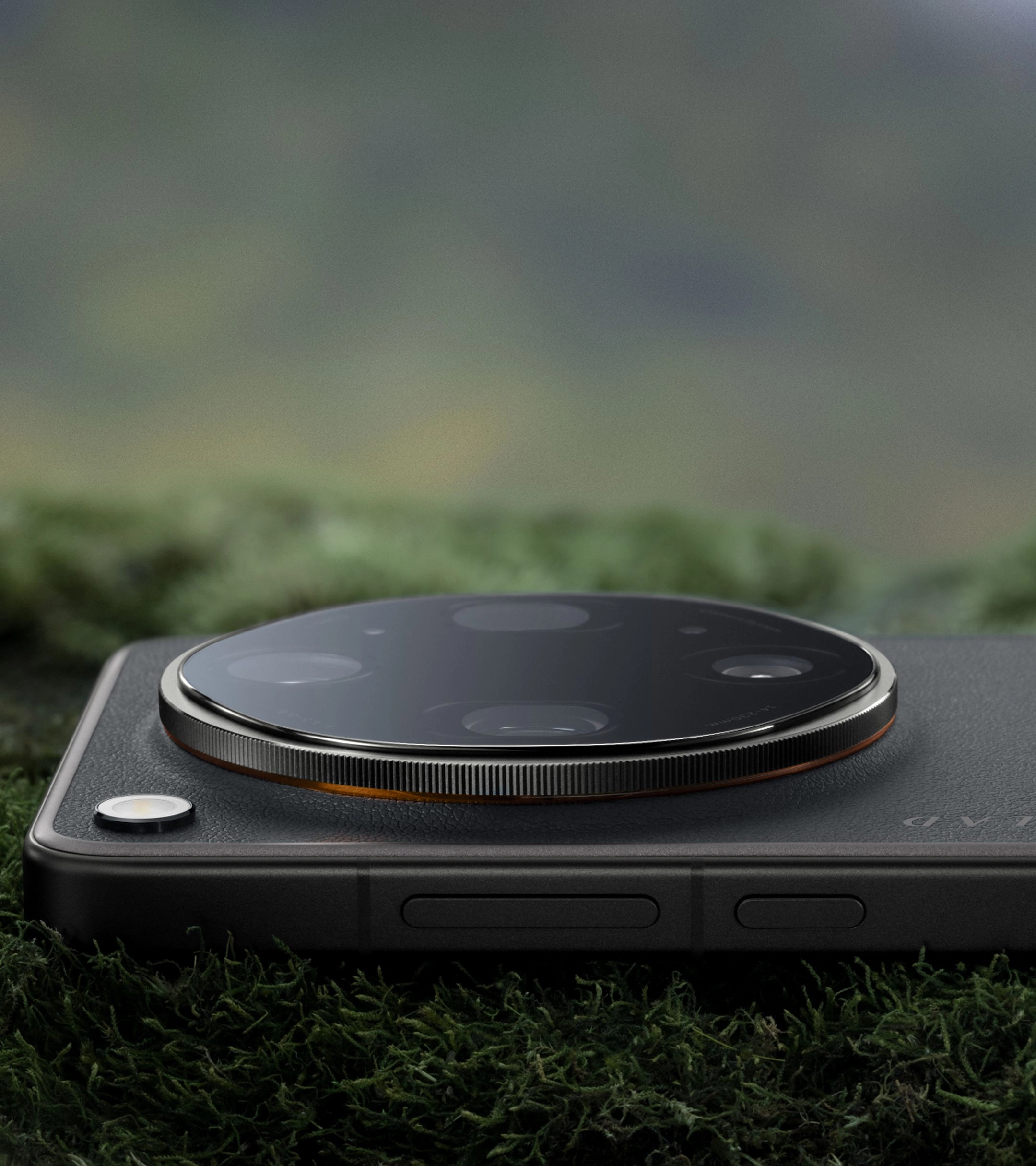
Gently wipe the periscope telephoto lens with a microfiber cloth to remove fingerprints and dust.
✅ The lens glass is completely clear and free of smudges under direct light.
⚠️ Avoid using rough clothing or paper towels, which can scratch the delicate lens coatings.
Step 2: Position and Stabilize Your Device
Hold the phone with both hands, keeping your elbows braced against your torso, or mount it to a tripod.
✅ The preview screen shows minimal drift or jitter when framing your distant subject.
⚠️ Do not extend your arms fully outward, as this significantly increases hand shake and blurs the shot.
Step 3: Select the 10x Optical Focal Length
Open your camera app and select the native 10x zoom option (equivalent to a 230mm focal length) to utilize the physical periscope telephoto lenses.
✅ The camera transitions smoothly to the dedicated telephoto sensor without digital cropping.
⚠️ Avoid manually pinching the screen to zoom, which can accidentally trigger digital zoom instead of the native optical lens.
Step 4: Lock Focus and Adjust Exposure
Tap directly on your subject in the viewfinder to lock the focus and slide the exposure slider to balance highlights.
✅ A yellow focus ring appears locked on the subject, and the background highlights are not blown out.
⚠️ Do not let the camera auto-focus continuously, as it may shift to the background in complex scenes.
Step 5: Capture in RAW MAX or ProXDR
Enable the advanced shooting modes to capture maximum sensor data and preserve the full camera sensor dynamic range.
✅ The captured image file retains rich shadow details and highlight tones ready for editing.
⚠️ Do not shoot in standard compressed formats if you plan to perform heavy color grading later.
Validation Checklist (Make Sure It Worked)
- The subject's fine textures (like feathers or architectural lines) are sharp and clearly defined.
- There is no visible motion blur or camera shake artifacts in the final image.
- The color transition across the frame is natural and matches the scene's true tones.
- Highlights in the sky or bright surfaces are not clipped or overexposed.
- Shadow areas retain subtle details without turning into solid black noise.
- The image file is saved in the correct high-resolution format (such as RAW or ProXDR).
- The optical zoom capabilities are fully utilized without any digital interpolation artifacts.
Common Issues & Fixes
| Problem | Cause | Fix |
|---|---|---|
| Blurry Images | Camera shake or slow shutter speed. | Use a tripod or increase the shutter speed in manual mode. Ensure the lens is clean. |
| Noisy Shadows | Low light or high ISO setting. | Move to a brighter area or manually lower the ISO while extending the shutter time. |
| Inconsistent Colors | Multi-lens calibration differences. | Use a device with unified color tuning across all focal lengths. |
| Missed Focus | Subject moving too fast or low contrast. | Tap and hold to lock focus, or switch to manual focus tracking. |
Best Practices (Do It Right Long-Term)
- Shoot during the golden hours — this provides soft, directional light that enhances the natural textures captured by the telephoto lens.
- Keep your camera software updated — this ensures you benefit from the latest image processing algorithms and stability improvements.
- Utilize a physical shutter release — using a remote or volume buttons prevents the physical tap on the screen from introducing micro-shakes.
- Understand your sensor's limits — knowing when to switch between the main sensor and the telephoto sensor prevents low-light quality drop.
- Practice manual exposure control — adjusting the brightness manually helps preserve the highlights in high-contrast scenes.
- Store files in high-fidelity formats — saving in RAW MAX and ProXDR ensures you have the maximum data available for professional editing workflows.
- Optimize viewing conditions — learning how to use ProXDR displays in bright sunlight ensures accurate on-set exposure evaluation.
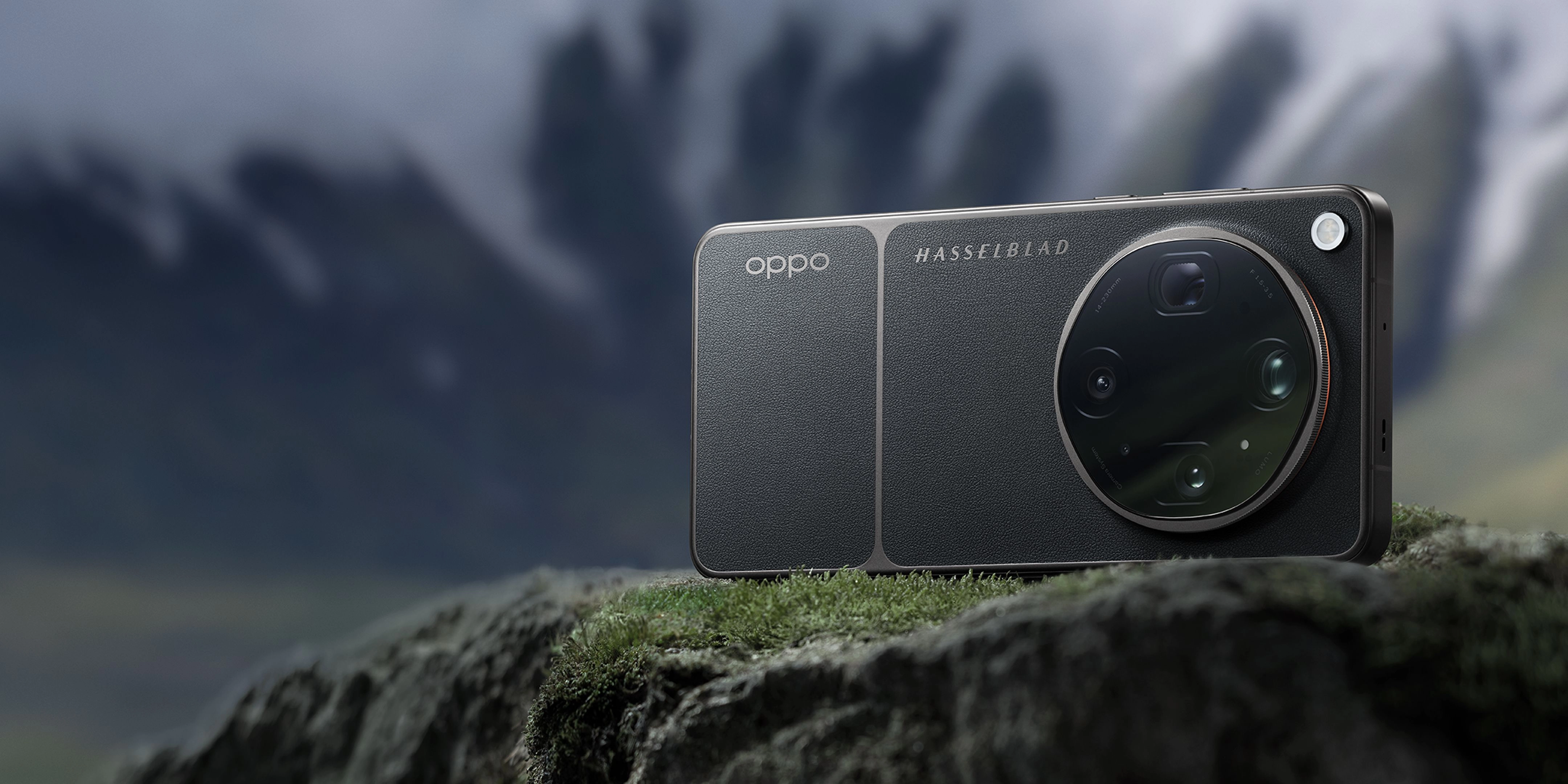
Recommended Tool: OPPO Find X9 Ultra
- Features a state-of-the-art Hasselblad 50MP 10x Ultra-Sensing Optical-Zoom Telephoto camera with a 230mm focal length.
- Utilizes a quintuple prism reflection periscope structure and triple ultra-precision active optical alignment for unmatched stability.
- Powered by the LUMO Image Engine to deliver seamless optical-quality zoom transitions and consistent color across eight precise focal lengths.
- Supports the New-Generation Hasselblad Master Mode for complete manual control over ISO, shutter speed, and white balance.
- Equipped with a massive 7050mAh battery and 100W SUPERVOOC charging to keep you shooting all day without interruption, while mastering long-zoom photography with up to 120x digital zoom.
When to use it: Perfect for professional creators and photography enthusiasts who demand uncompromising image quality and versatile focal lengths in a mobile form factor. When not to use it: If you only require basic, casual snapshots and do not plan to utilize advanced manual controls or high-magnification zoom.
FAQs
How do I use 10x optical zoom on my smartphone?
To use 10x optical zoom, open your camera app, locate the zoom selector, and tap the dedicated "10x" option. This engages the physical periscope telephoto lens rather than digitally cropping the image, preserving full resolution.
What is the difference between optical zoom and digital zoom?
Optical zoom uses physical glass lenses to magnify the scene, maintaining true image resolution. Digital zoom simply crops and enlarges the pixels of the image, which often results in pixelation and loss of detail.
Why do my 10x zoom photos look blurry?
Blurry photos at high magnification are usually caused by camera shake. Because the focal length is so long, even tiny hand movements are amplified; using a tripod or bracing your arms can resolve this.
Can I shoot professional video with 10x optical zoom?
Yes, advanced devices like the OPPO Find X9 Ultra support high-resolution video recording up to 8K at 30fps using the 10x optical zoom lens, complete with professional log profiles.
Does 10x optical zoom work well in low light?
Telephoto lenses typically have smaller apertures than main cameras, so they require more light. For best results in low light, use manual mode to adjust shutter speed or stabilize the phone on a tripod.
Mastering the 10x optical zoom camera allows you to capture stunning, professional-grade images that were once only possible with heavy DSLR gear. By focusing on stability, lighting, and utilizing advanced manual controls, you can elevate your mobile photography to new heights. To experience the ultimate in mobile imaging technology, explore the capabilities of the OPPO Find X9 Ultra today.