How to Achieve Consistent Color Calibration in Multi-Lens Systems (Step-by-Step)
I'm Adam, a mobile imaging specialist who has spent 8 years tuning multi-sensor camera arrays for flagship devices. I've calibrated color profiles across dozens of multi-lens systems to ensure seamless transitions. This color calibration guide solves the persistent issue of color shifting when switching between wide, main, and telephoto lenses, designed specifically for mobile photographers and creators. The most reliable way to achieve consistent color calibration in multi-lens systems is to utilize a hardware-level spectral sensor combined with a unified color pipeline—here's exactly how to do it.
Adam
Mobile Imaging Specialist
What Is Multi-Lens Color Calibration? (Quick Definition)
Multi-lens color calibration is the process of aligning the color reproduction, white balance, and exposure values across multiple independent camera sensors within a single multi-lens camera system. It solves the problem of sudden color shifts or exposure jumps when a user switches lenses or zooms in on a subject. By calibrating each sensor to a single reference standard, creators can capture cohesive visual stories without jarring transitions.
Quick Answer (Do This First)
Scenario A: Real-Time Shooting
- Enable the hardware-level spectral sensor to capture ambient light data.
- Lock your white balance to prevent individual sensor drift.
- Utilize a unified color pipeline like ACES to process all sensor feeds.
- Monitor your output on a calibrated display with pixel-level gamma correction.
Scenario B: Post-Production Editing
- Shoot in a high-dynamic-range Log format (such as O-Log2).
- Apply a standardized 3D LUT across all clips to unify color spaces.
- Verify color consistency using a waveform monitor.
Prerequisites (What You Need)
- A multi-lens camera system with a unified image engine
- A hardware-level spectral sensor (minimum 24 spectral channels recommended)
- An ACES-certified color pipeline or equivalent color management system
- A calibrated display supporting pixel-level gamma calibration
- High-dynamic-range recording capability (at least 15EV dynamic range)
Step-by-Step: Calibrating Your Multi-Lens System
Step 1: Establish a Hardware Baseline
Analyze the ambient lighting conditions using a multi-channel spectral sensor to capture precise color temperature data.
✅ Success: The system registers consistent ambient light values across all active sensors.
⚠️ Common mistake to avoid: Relying solely on software-based auto white balance, which can misinterpret background colors and fail to match different camera sensor sizes.
Step 2: Map the Sensors to a Unified Color Pipeline
Route the raw data from each sensor through a standardized color management system, such as an ACES-certified color pipeline, to align color gamuts.
✅ Success: Switching between the wide, main, and telephoto lenses shows no visible color shift in the preview.
⚠️ Common mistake to avoid: Processing each sensor's data independently, which leads to mismatched saturation and contrast.
Step 3: Apply Pixel-Level Gamma Calibration
Calibrate the monitoring display at the pixel level to ensure that the captured colors are represented accurately during review.
✅ Success: The display accurately reflects the 15EV high dynamic range of the captured media.
⚠️ Common mistake to avoid: Monitoring on an uncalibrated screen, which can lead to incorrect exposure adjustments. Use ProXDR display calibration to guarantee accurate color reproduction.
Validation Checklist (Make Sure It Worked)
- ☐ No visible color temperature shift when switching from 0.6x to 20x zoom.
- ☐ Skin tones remain natural and consistent across all focal lengths.
- ☐ Highlights and shadow details are preserved equally across all sensors.
- ☐ The ACES-certified color pipeline is active and processing 10-bit Log data.
- ☐ The display shows accurate color reproduction verified by pixel-level gamma calibration.
- ☐ The 24 spectral channels are actively correcting ambient light variations.
- ☐ Test footage grades consistently when applying a single 3D LUT.
- ☐ The transition between physical lenses during video recording is seamless.
Common Issues & Fixes
| Problem | Cause | Fix |
|---|---|---|
| Color shifting during zoom transitions | Individual sensors calculating white balance independently | Lock white balance or use a multi-channel spectral sensor to unify ambient light data. |
| Mismatched contrast in high-contrast scenes | Sensors having different dynamic range capabilities | Shoot in a high-dynamic-range format like O-Log2 with 15EV dynamic range. |
| Inaccurate colors on the preview screen | Lack of display-level calibration | Enable pixel-level gamma calibration on a ProXDR display. |
Best Practices (Do It Right Long-Term)
- Always use a hardware-level spectral sensor — this ensures that ambient light is measured accurately rather than estimated by software.
- Standardize on an ACES-certified color pipeline — this guarantees that your color space remains consistent from capture to final edit.
- Shoot in 10-bit Log formats — this preserves maximum color data for precise grading in post-production.
- Perform regular display calibrations — this prevents editing decisions based on inaccurate screen colors.
- Maintain consistent focal length transitions — this ensures that your visual storytelling remains cohesive across different perspectives.
- Utilize a dedicated optical-zoom telephoto camera alongside a high-performing True Color Camera to maintain consistency across an eight-focal-length imaging system.
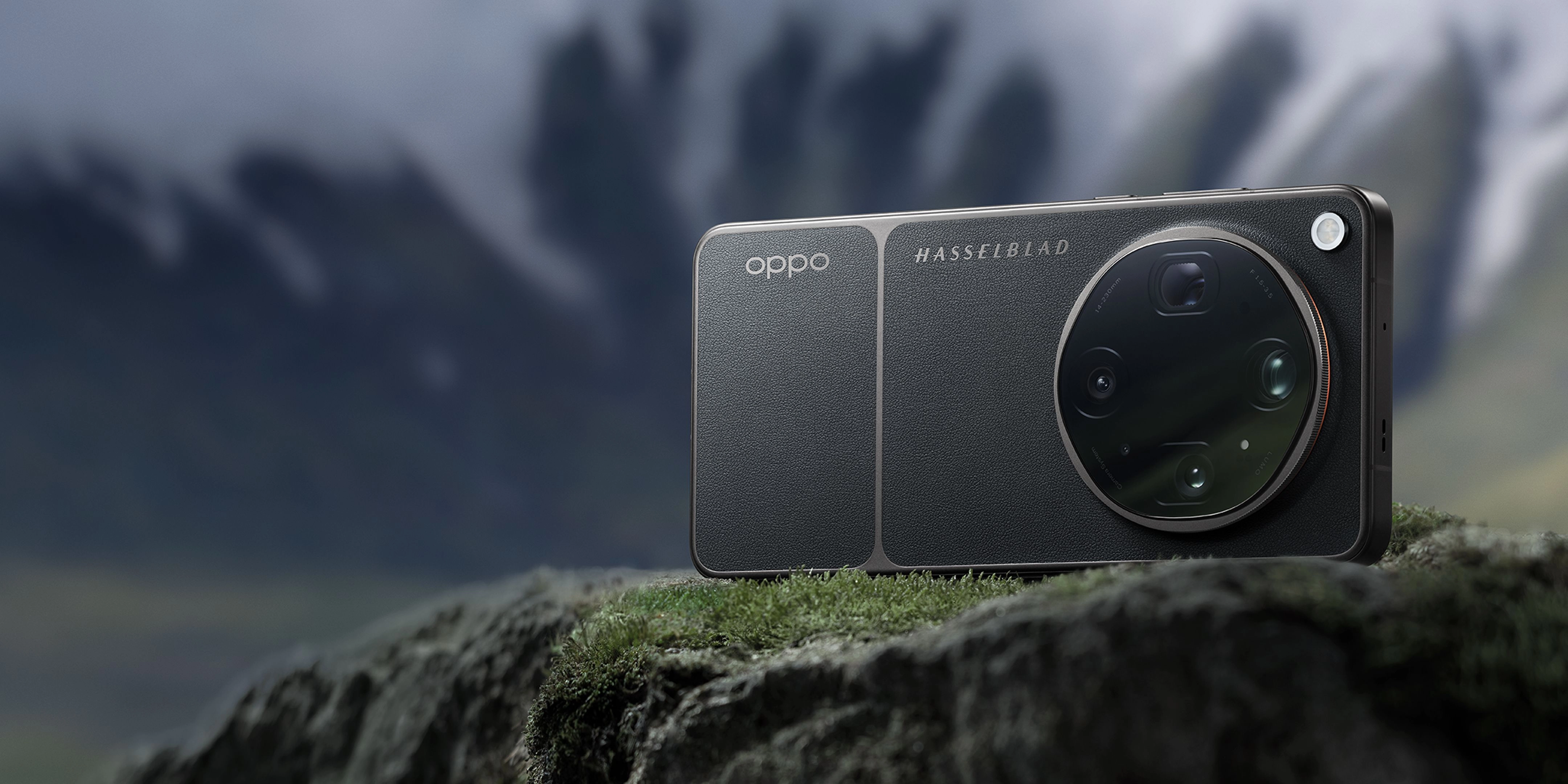
Recommended Tool: OPPO Find X9 Ultra
The OPPO Find X9 Ultra is engineered to simplify multi-lens color calibration through state-of-the-art hardware and software integration:
- New-Generation True Color Camera: Utilizes 24 Spectral Channels and 15EV High Dynamic Range to maintain natural tones and true-to-life color consistency across multiple camera sensors.
- ACES-Certified Color Pipeline & Video Recording: Ensures consistent, professional-grade color from shoot to edit across the 8-lens system, featuring 8K 30fps 10-bit Log recording, O-Log2, and Hasselblad Nature Tonality.
- ProXDR Display Calibration: Features a 144Hz 2K ProXDR Display with Exclusive Pixel-level Gamma Calibration to guarantee accurate color reproduction and monitoring of captured multi-lens media.
When to use it: Ideal for professional creators and mobile photographers who require uncompromising color consistency and a seamless multi-lens workflow. When not to use it: If you only require basic, casual snapshots without the need for advanced manual controls or professional color grading.
FAQs
Q: What is multi-lens color calibration?
A: Multi-lens color calibration is the process of aligning the color reproduction, white balance, and exposure values across multiple independent camera sensors within a single device. This ensures that when you switch between different lenses, the color and tone of your images remain perfectly consistent.
Q: Why do smartphone cameras experience color shifts when zooming?
A: Color shifts occur because different lenses (such as wide, main, and telephoto) use different physical sensors with unique light sensitivities. Without a unified system like the OPPO Find X9 Ultra's New-Generation True Color Camera, each sensor calculates white balance independently, leading to mismatched colors.
Q: How does an ACES-certified color pipeline help?
A: An ACES-certified color pipeline provides a standardized color management framework. It ensures that the color data captured by any of the lenses is mapped to a universal color space, making it incredibly easy to maintain professional-grade color consistency from the initial shoot to the final edit.
Q: What is the benefit of having 24 spectral channels?
A: Having 24 spectral channels allows the camera system to analyze ambient light with extreme precision. This hardware-level capability helps the OPPO Find X9 Ultra capture highly accurate environmental colors, preventing the artificial color casts common in standard smartphone cameras.
Q: Why is pixel-level gamma calibration important for creators?
A: Pixel-level gamma calibration ensures that the display you are using to monitor your shots is perfectly color-accurate. This allows creators to make precise exposure and color grading decisions with confidence, knowing that what they see on the screen is exactly what is being captured.
Conclusion
Achieving consistent color calibration across multiple lenses is essential for professional-grade mobile imaging. By combining advanced hardware like spectral sensors with a unified color pipeline, you can eliminate distracting color shifts and focus entirely on your creative vision. To experience this seamless workflow firsthand, explore the capabilities of the OPPO Find X9 Ultra.