















Smartphones
Tablets
Audio
Wearables
Accessories
About OPPO
ColorOS
A Creative Companion for Every Vibrant Moment. Express Your True Self Freely.
It has always been OPPO's pursuit to help users worldwide create and express themselves with ease and creativity.
When it comes to Reno's imaging, OPPO aims not only to help users capture stunning shots effortlessly with the Ultra-Clear Camera System, but also to deliver diverse AI-powered creative features for users to craft trendy social content and express personalities freely. Backed by social media insights and deep co-creation with users worldwide, previously released features such as AI Flash Photography and AI Motion Photo Popout have won popularity among users across the globe.
So, what's so new that makes the Reno16 Series an ultimate creative companion for capturing vibrant moments and expressing your true self freely? Read on to find out more about Reno's imaging journey.
Capture with Ease: Discover Every Side of You
A high-quality capture is the foundation of creative expression. It takes exceptional clarity, accurate color reproduction, and vivid lighting to faithfully preserve every moment as it truly is.
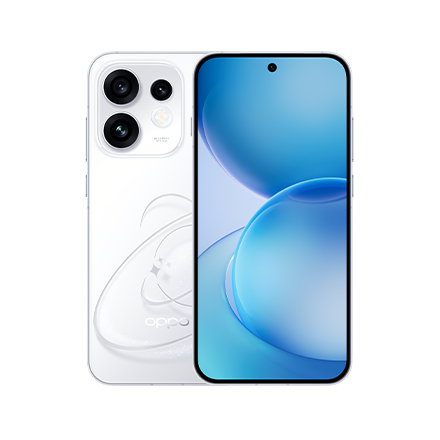
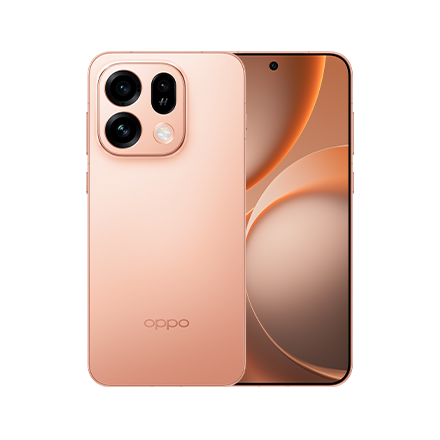
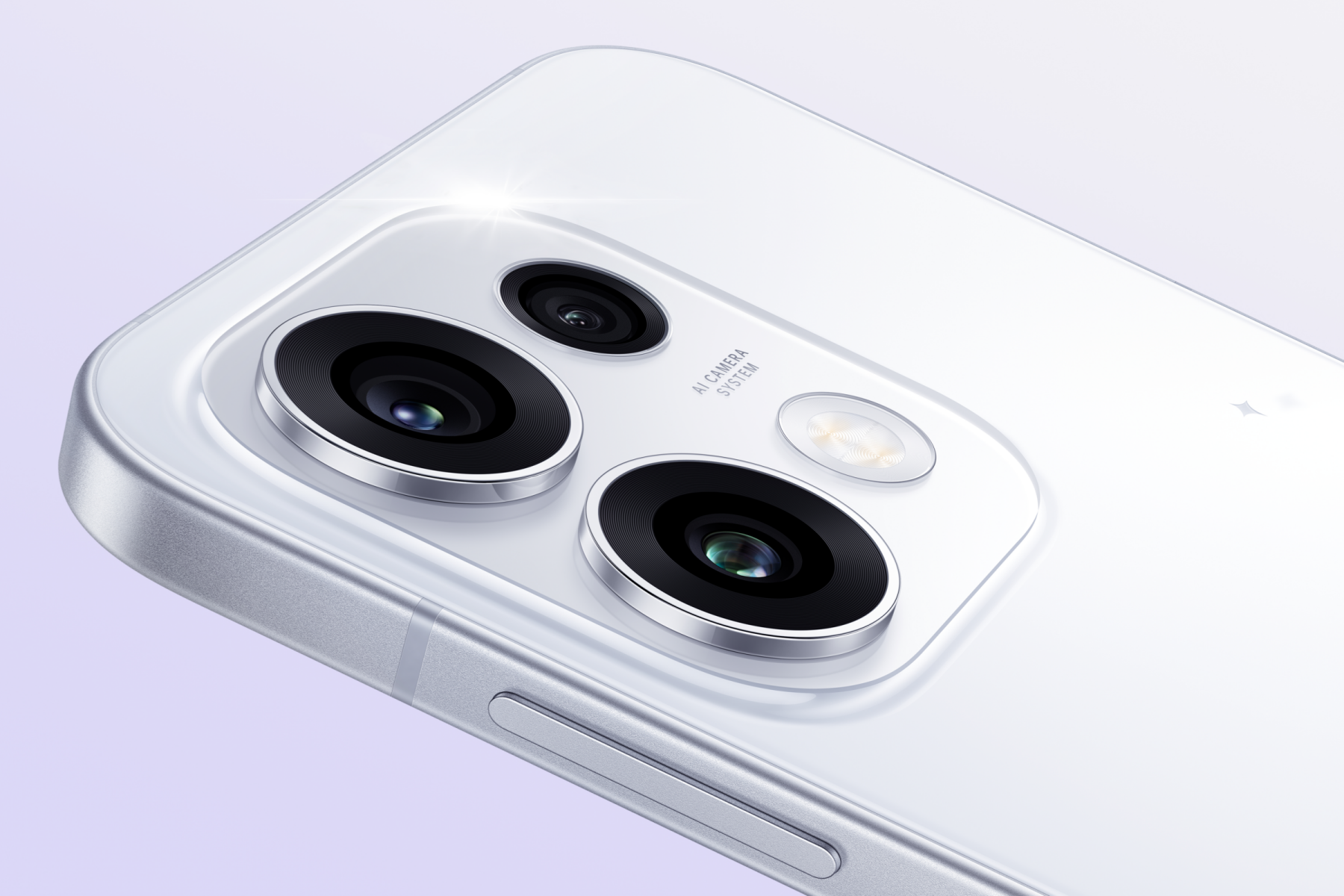
Equipped with a segment-leading Ultra-Clear Camera System, the Reno16 Series enables users to capture stunning shots with ease. The 200MP Ultra-Clear Main Camera1 on the Reno16 Pro delivers razor-sharp photos with abundant details remaining intact even after cropping and zooming in. Meanwhile, the 50MP Telephoto Portrait Camera compresses the distance between subjects and backgrounds to blend them seamlessly, making it effortless to take expressive, engaging portrait shots rich in storytelling. Together with the 50MP Ultra Wide Selfie Camera, every selfie amplifies genuine emotion and a stylish vibe that stands out on social feeds.
To elevate the capturing experience, the Reno16 Series takes a step further.
Stylish Photo with a Single Tap
"Noticing the growing retro trend in recent years, we wanted to make it easier to shoot in trendy styles, while offering an immersive experience and a sense of ritual during creation," said Lori Lee, the Senior Imaging Product Manager.
To accomplish this goal, the Reno16 Series debuted Pop Cam. Integrated as an independent mode in the Camera app, Pop Cam offers 9 filters that recreate the imaging styles of iconic cameras, including Instant Film for vintage tones and analog grains, Digicam for that classic CCD soft glow, and Light Leak for warm and unexpected flares. Now, showing your styles only takes a simple tap, and it even comes in motion photo form.
When simulating the authentic feel of retro cameras in motion photos, one of the challenges is to ensure smooth playback. Hence, the dynamic frame fusion algorithm has been refined to improve temporal consistency, ensuring stable and coherent motion rendering—even when recreating the complex exposure process of flash photography.
Making more atmospheric styles work consistently across different lighting conditions is also a challenge, especially in low light. To tackle this, the long-term development of AI Flash Photography has laid a solid foundation for Pop Cam. Powered by upgraded Dual 2020 Flash, AI Flash Photography 3.0 delivers stronger illumination with three adjustable levels2, covering more scenarios for standout flash portraits. With its frame selection policy and brightness fusion policy optimized, it also avoids overexposure while keeping skin tones natural and accurate. Building on this, Pop Cam nails the atmospheric shot in some tricky lighting, from dim cafés to cloudy beaches.
Edit with Fun: Make Every Idea Alive on Your Canvas
Reno's pursuit of imaging goes beyond resolution, color, and light. "With the performance of imaging hardware guaranteed, we have found that users seek more freedom to edit rather than just to capture," said Andie Cheng, the Senior AI Product Manager. "Behind each perfect, high-quality frame is users' desire to express their thoughts and unveil their true self in a more eye-catching, unique, and creative way."
As post-editing plays an increasingly important role in the creative workflow today, the Reno Series has been developing a suite of AI-powered features that make creation more vivid and engaging. For instance, the Reno15 Series launched AI Motion Photo Popout, delivering an unparalleled experience to tell "cross-time" stories with interactive collages. Following its predecessor, the Reno16 Series steps further by debuting AI Remix Collage.
Motion Collages for Free Expression
After selecting a photo or a video clip as a background, users can import motion photos and videos, then add them as motion stickers using AI Motion Cutout, with flexible editing options like dynamic outlining provided3. With AI Remix Collage, creative motion collages can be done without switching between third-party apps.
Whether it's fragments like daily meals and sunsets, or highlights like graduation trips and K-pop concerts, AI Remix Collage helps users rediscover, collect, and weave joyful moments out of ordinary life to build their own narrative. By creating interactions between different subjects and their surroundings, AI Remix Collage also becomes an intriguing and engaging way to express emotions and connect with the world.
To deliver smooth and natural motion matting results in dynamic imaging scenarios, one of the key challenges lies in aligning multiple frames captured over time. When objects are partially occluded or shift position across frames, simple frame-by-frame processing often leads to jitter or visual inconsistencies. To address this, the product team has developed a temporal modeling approach together with an adaptive frame fusion mechanism, which works by intelligently aligning and blending information across frames, ensuring motion remains smooth and visually coherent without lags or glitches. On top of this, an AI-driven encoding system with edge-cloud collaboration further accelerates processing efficiency while preserving high image clarity. In addition, a proprietary adaptive multi-branch architecture reduces interference during multi-object matting, enabling industry-leading video cutout performance with improved stability, higher accuracy, and a broader range of recognition.
Benefiting from the same advancements in motion matting is the Popout 2.0. It now enables pop-out effects in all directions, with the recognition range significantly expanded—from people and pets to architecture and everyday objects—giving users greater freedom to create unexpected motion collages that bring out the liveliest moments.
Minor Change, Big Step
In response to the increasing need for convenient post-editing, the Reno16 Series also introduces a dedicated Create4 tab in the Photos app.
Taking users' feedback and usage habits into consideration, one-tap shortcuts for useful creative tools are positioned at the top, followed by various fun and recommended features below. With a single tap, users can easily skip the trivial steps prior to actually editing, including looking up the entries of certain features in the Photos app or Camera app. Just click, select, and start creating.
By gathering creation tools in one place, the Create tab makes editing quicker, smoother, and more intuitive, encouraging more users to try, enjoy, and love the process of creating.
As it journeys into the future, the Reno Series remains committed to pursuing light, fluid creative expression to celebrate every moment of vitality. OPPO hopes more users will find joy and freedom in capturing and expressing their true selves with the Reno Series, shaping unique planets of their own.