





Smartphones
Tablets
Audio
Wearables
Accessories
About OPPO
ColorOS
ColorOS 17: Flow Everywhere
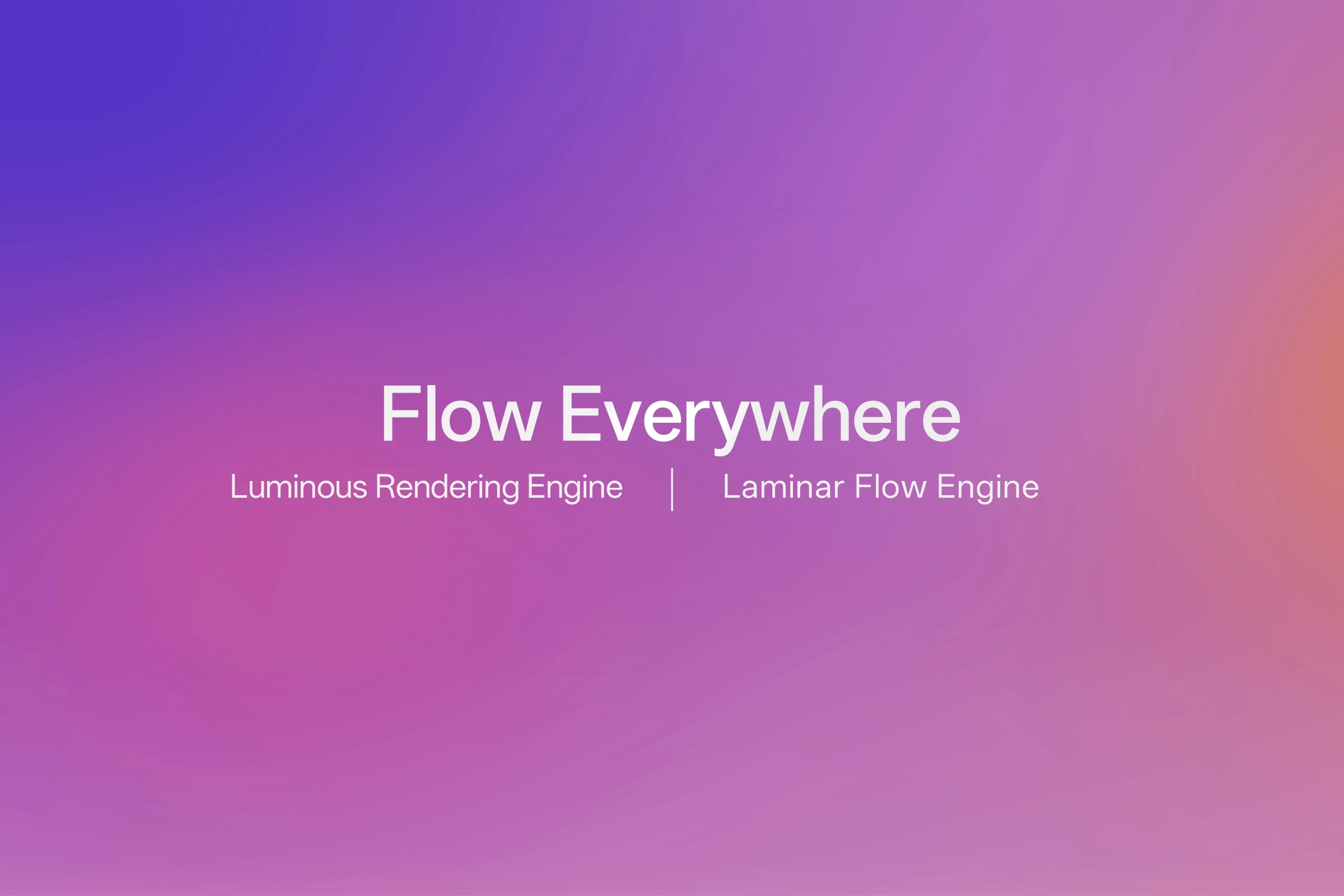
Smoothness has long been at the heart of ColorOS. With ColorOS 17, OPPO takes a more comprehensive approach to what smoothness means—going beyond individual animations to consider the experience as a whole: how every interaction looks, moves and responds, how the system handles complex workloads beneath the surface, and how consistently that experience holds up over time. In ColorOS 17, smoothness is no longer just something you see. It's what you feel through the entire experience.
Every Move in Flow, Every Touch Alive
Building on Parallel Animation in ColorOS 15 and Seamless Animation in ColorOS 16, ColorOS 17 takes smoothness a step further with the new Living Flow Design. It brings together three key elements—Luminous Effect, Fluid Motion and Flexible Feedback—to make the system feel more alive, intuitive and closely connected to every touch and gesture.
• Luminous Effect
With Luminous Effect, ColorOS 17 draws inspiration from the natural qualities of light and materials, introducing softer translucency, layered lighting and carefully crafted textures. These elements give the interface a lighter, more natural sense of depth while maintaining content clarity. Light also becomes part of the interaction itself. Subtle diffusion, ripple-like effects and dynamic lighting respond to touch and adapt to different contexts, helping communicate the current state, guide attention and provide feedback.
In the Fluid Cloud, for example, the progress bar responds with dynamic lighting as users interact with the music player. A touch-following glow and flowing light effects make the interaction feel more connected to the user's action, rather than simply adding a decorative visual effect. Similar lighting cues are also integrated into experiences such as alarms, calls and OPPO Share across the system.
• Fluid Motion
That same sense of continuity extends into Fluid Motion. Interface elements move, merge and transform smoothly from one state to the next, helping transitions feel less like a sequence of separate screens and more like one continuous experience. The new Living Clock carries this continuity across the Always-On Display, Lock Screen and Home Screen. Users can freely resize and reposition the clock, while its appearance and movement flow naturally between these states.
Fluid Motion also brings more dynamic experiences to system visuals. The new Mountain Way weather theme, for example, renders sunlight, rain and snow dynamically in real time, bringing greater vitality and continuity to the experience.
• Flexible Feedback
With Flexible Feedback, ColorOS 17 moves beyond preset animation playback, dynamically adapting visual feedback to the way users interact with the system. Controls react with subtle elasticity and rebound, while animations adjust their timing to the speed and intensity of each gesture, giving interactions a more immediate and tactile feel.
For example, when swiping between Notification Center and Control Center, the animations respond to the pace of the gesture—moving more gently with a slower swipe and with greater energy when swiped more quickly. This adaptive feedback makes the interface feel more dynamic and alive, with each interaction unfolding in a way that naturally matches the user's actions.
Behind Living Flow Design is the Luminous Rendering Engine, which introduces a new Unified Rendering Architecture that brings previously separate rendering processes into a unified foundation. By reducing redundant rendering and composition work, the new architecture cuts rendering load by up to 30% and RAM usage for rendering by up to 25% in key scenarios compared with the previous version.1 This gives ColorOS 17 the rendering efficiency and headroom needed to support richer visual effects while keeping interactions fluid and responsive.
Flow Above the Surface, and Below It
But smoothness is not only about what happens on screen. It also depends on how intelligently the system responds as workloads constantly shift throughout the day. Apps move between the foreground and background, content loads, memory demand changes, and multiple tasks compete for system resources at the same time. ColorOS 17 addresses this with the new Laminar Flow Engine. Built on OPPO's Adaptive Scheduling Architecture, it improves workload coordination and RAM management, helping the system allocate resources more efficiently as users move between tasks.
The improvements translate directly into everyday use. Compared with the previous version, app launch stability improves by 55%, while Gallery thumbnails load up to 50% faster when first displayed. During multitasking, ColorOS 17 can also keep over 25% more apps running in the background.1 Apps are more likely to be ready when they return, content appears sooner, and moving between tasks continues to feel smooth even as more is happening beneath the surface.
Smoothness That Stays With You
True smoothness should not last just for the first day a smartphone is used. As a smartphone becomes part of everyday life, it naturally has more to carry. Photos accumulate, apps are added, files multiply and storage gradually fills. A device several years into its life has far more to manage than it did on day one. ColorOS 17 is designed with that longer timeline in mind. In tests simulating six years of real-world use, devices retained over 90% of their original smoothness even when storage was 90% full.1 That long-term consistency completes the idea of Flow Everywhere.
With ColorOS 17, smoothness is no longer about making a single animation feel faster, but about keeping the entire experience moving naturally—from every touch and transition, to the way the system handles complex tasks beneath the surface, to the consistency users can continue to rely on as years of apps, photos and everyday memories build up. From the first touch to years of everyday use, ColorOS 17 keeps everything in flow.