
Smartphones
Tablets
Audio
Accessories
About OPPO
OPPO Bubble Compatible Device List
Supported Devices
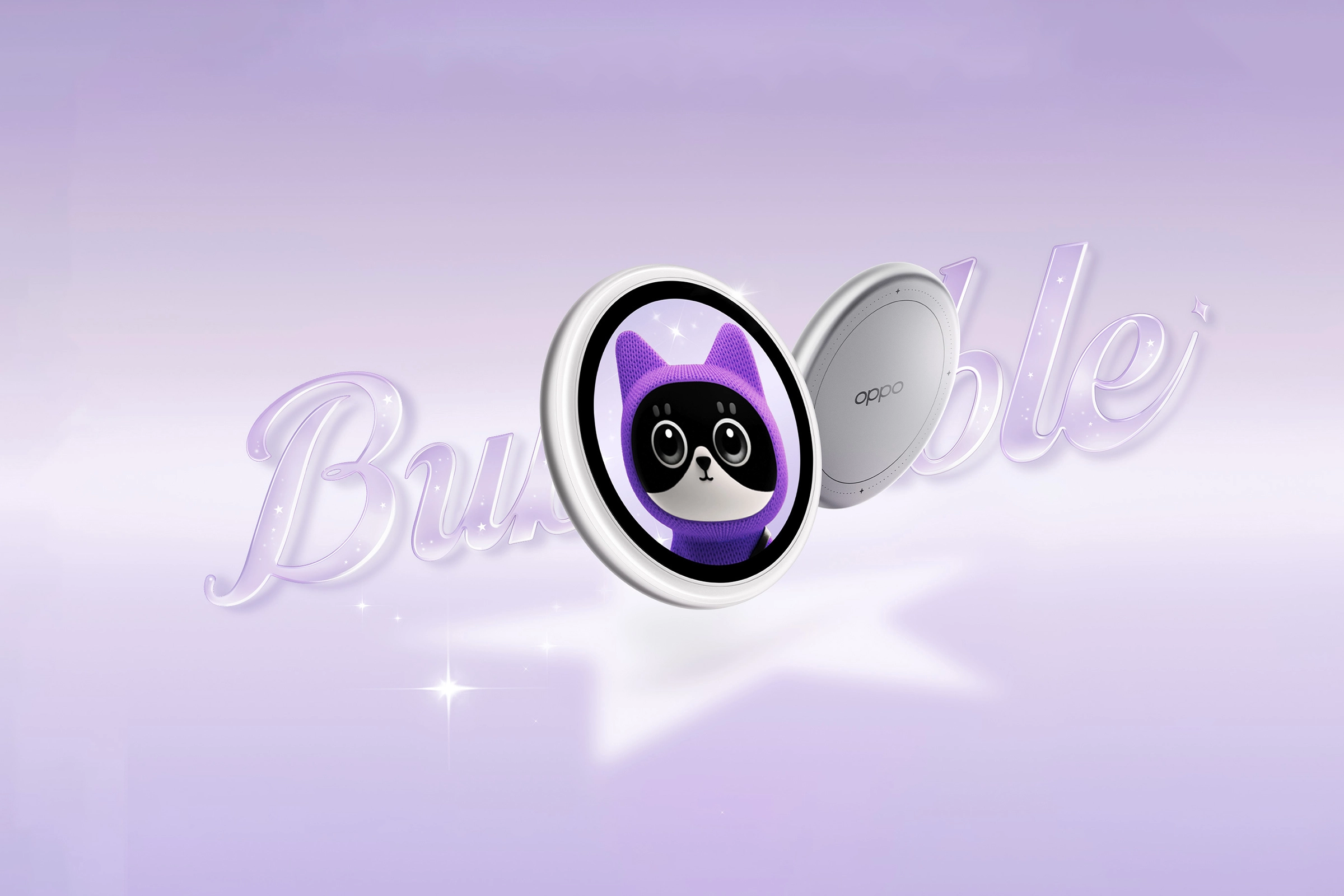
The OPPO Bubble feature works on the following OPPO devices:
OPPO Find X9 Ultra
OPPO Find X9s
OPPO Find X9
OPPO Find X9 Pro
OPPO Find X8
OPPO Find X8 Pro
OPPO Reno16c
OPPO Reno16 5G
OPPO Reno15 Pro 5G
OPPO Reno15 Pro Mini 5G
OPPO Reno15 5G
OPPO Reno14 Pro 5G
OPPO Reno14 5G
OPPO K13 Turbo Pro 5G
How to get the feature on supported devices
If you have not received the update notification, follow the path below to check for early access updates:
Settings > System and Updates > Software Updates > Tap the three-dot icon in the top right > Early Access Application > New Version Early Access
Install the latest system update to use the OPPO Bubble feature.
For unlisted devices
We are still evaluating compatibility for devices not shown above. Check official OPPO news regularly for future update schedules.
If the abovementioned steps do not fix your concern, prepare your warranty card and contact your nearest OPPO Customer Service . You can also contact OPPO Support so we can help and assist you further with your concern. Depending on your region, you may check if you need to book an appointment before visiting your local Service Center.